

Message with logo
To send a message with a logo, open the message form:
Navigate to
> Content
> Messages
and open the message for which you want to insert an image using the Edit button:
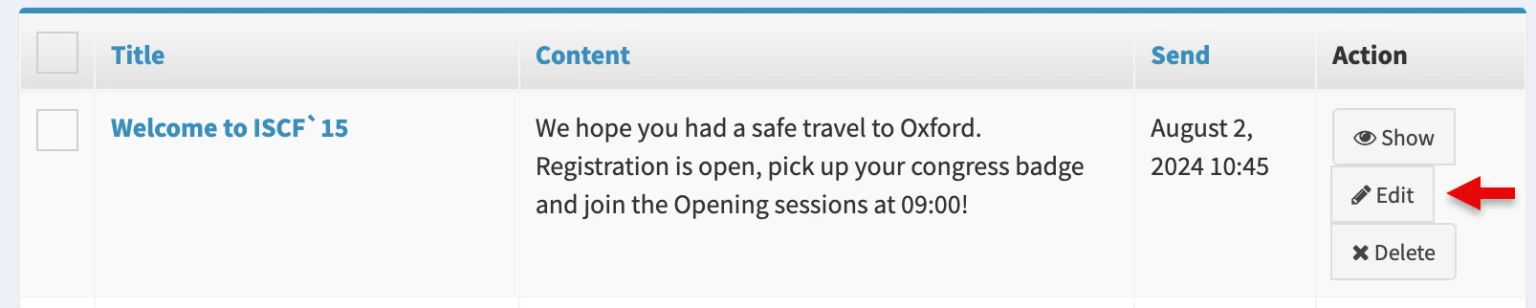
Add an image
In the new window, go to the ‘Message’ area and upload the image from you hard drive by clicking the Browse button: 
Recommended dimensions: 500 x 500 px
Accepted formats: PNG, JPG
To send the message at the set publication time, click on the button:
Update— save but stay on the pageUpdate and close— save and open the list of messages